I've installed Geometry Dash on everything from a custom Steam Deck to a 2016 iPhone SE. Here's what most guides miss.
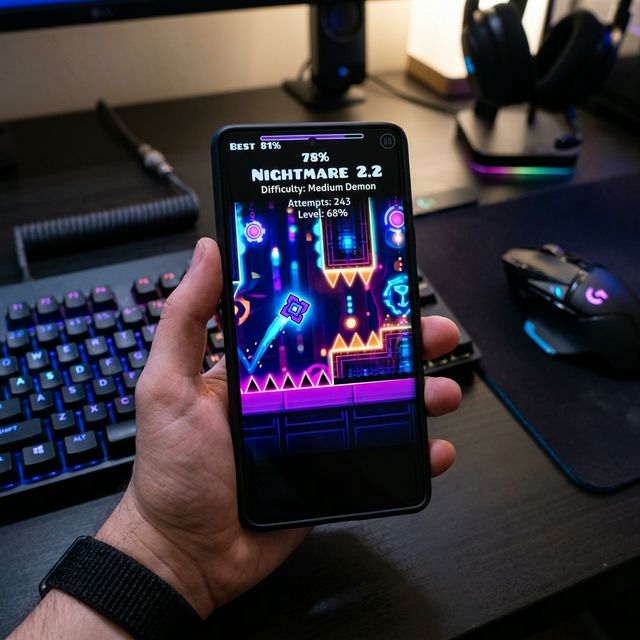 Configuring optimal performance settings across multiple hardware ecosystems.
How to Install on Android (APK)
This is the most popular method for getting the full, unlocked version of Geometry Dash for free. Sideloading the Geometry Dash APK for Android is simple and safe when you follow these instructions.
Steps:
Enable "Unknown Sources":
- Open Settings
- Go to Security & Privacy (or Security)
- Find Install unknown apps / Unknown sources
- Select your browser (e.g., Chrome) and enable Allow
Download the Safe APK File:
Download the latest Geometry Dash 2.2 APK from our website. All files are scanned and verified for safety.
Install the Game:
Open your Downloads folder, tap the APK file, and press Install.
Safety First:
Only download APK files from trusted sources. Our files are verified and secure.
How to Install on PC (Emulator)
Playing Geometry Dash on PC or Mac provides a larger screen and better control.
Steps:
- Install a reputable Android emulator such as BlueStacks or LDPlayer
- Open the emulator's browser and download the APK from our site
- Use the emulator's Install APK option to install the game
Performance Tip:
Allocate more CPU cores and RAM in emulator settings for smoother gameplay.
How to Install on iOS (Advanced: AltStore)
This method uses AltStore to install apps without jailbreaking. This is for advanced users who want to explore Geometry Dash installation on iOS devices.
Important Note:
APK files are Android-only. iOS requires an .ipa file.
Step 1: Install AltServer
- Download AltServer from altstore.io
- On Windows, install iTunes and iCloud from Apple's website
- Connect your device via USB, trust the computer, and enable Wi-Fi Sync
Step 2: Install AltStore on iOS
- Use AltServer to install AltStore on your device
- Enter Apple ID (used only for signing)
- Trust the developer profile in Settings > VPN & Device Management
Step 3: Install Geometry Dash IPA
- Official Method (Recommended): Purchase directly from the Apple App Store. This is the only way to support RobTop and ensure 100% security.
- Advanced Sideloading: If you choose to sideload (e.g., for technical research), obtain the decrypted .ipa only from verified community repositories like Decrypt.day or iOSGods.
- Open the file and share to AltStore
- Allow AltStore to install the app
Maintenance Tip:
Free Apple ID apps expire every 7 days. Refresh them via AltStore while connected to the same Wi-Fi as AltServer.